How to read a page
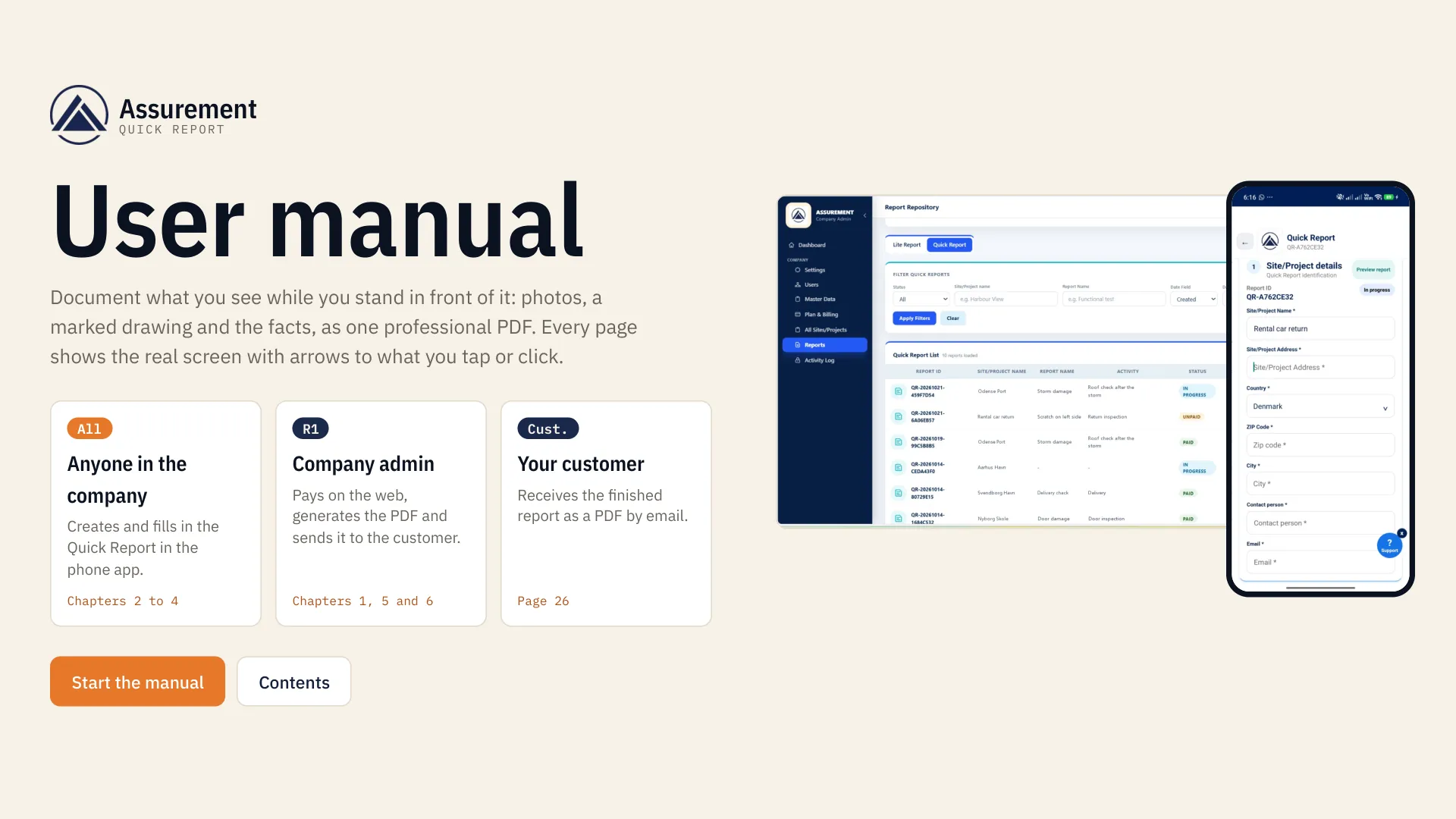
Every page is one screen of Assurement and one thing to do on it.
Orange ring and arrow
Where to tap, click or type. The number matches the numbered step on the left.
Who
The role that does this step: anyone in the company, or R1, the company admin.
Where
How to get to the screen.
Next
What happens after, so you always know the following screen.
MOVING AROUND
Use the arrow keys or the buttons at the bottom. The numbers at the top jump to a chapter. Point at a step to highlight its arrow.