Lite Report
You name the headlines. One engine, any report you need. Documented on site, from your phone.
Lite Reports
3 reports · Jacksonville
What is Lite Report?
Lite Report is Assurement's site report app with photo documentation, and it is available today. A project manager sets up the report and its tasks on the web, the crew carries out the tasks on site from their phones with photos, comments and markups, and their registrations are assembled into a finished report with your company logo. It costs 149 DKK per report excl. VAT, and you pay only when you generate one.
From scattered documentation to professional reports
Are you still spending your evenings on photos, notes and report writing?
On most projects the photos sit on a phone, the comments are in a notebook, the drawings arrive by email, and the important messages are split between texts and three different apps. When the report is finally written, all of it has to be found, sorted and matched back to the right place and observation.
- Unnecessary administrative work
- Photos and information that go missing
- Unclear agreements and responsibilities
- Different versions of drawings and descriptions
- Slow follow-up on errors and deficiencies
- Reports that look different every time
- Documentation nobody can find again
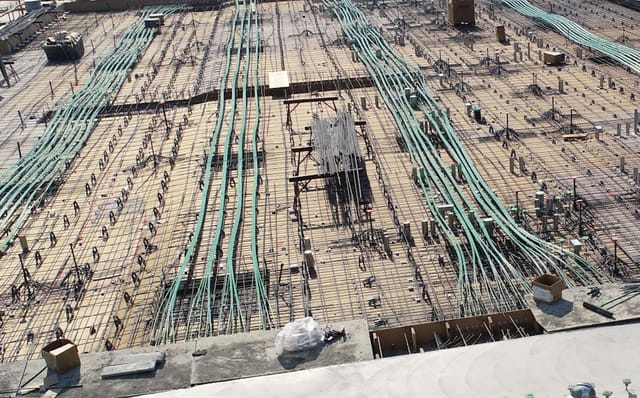
Lite Report brings the whole workflow together
Record observations, take photos, communicate with the project participants and produce the finished report in one place. You document the work while you are still on site, so the photo, the comment and the registration land directly in the right report. You never have to reconstruct what was observed, where the photo was taken, or who was supposed to follow up.
When the registration is done, the material is compiled into a professionally designed report carrying your own company logo.
Built for the way you actually work
Lite Report is dynamic: you name the report and set the headings yourself. Pick your line of work to see what that looks like in practice.
Contractors and tradespeople
Document the work performed with photos, checkpoints, comments and any deviations.
- Quality assurance reports
- Self-inspection of work performed
- Receiving inspection of materials
- Assembly control
- Inspection before closing structures
- Documentation of hidden installations
- Before and after photos
- Recording and resolving errors
Lite Report supports your company's documentation, but does not replace project-specific control plans or other requirements where BR18, DS 1140 or the contract material sets particular demands on the content, scope and approval of the control.
One engine. Any report.
Lite is not a fixed set of templates. You name the headlines and structure the report around what you are actually documenting, among other things:
And whatever else you need to document: the headlines are yours to define.
New Report
Name it, the headline is yours
Functional test · ventilation, block C
Reuse a headline
Document On-Site with Your Phone
Open the app, select your project, and start documenting. Every photo is automatically tagged with time, date, GPS coordinates, and linked to the right inspection point.
- Name your own headlines and report structure
- Draw annotations directly on photos
- Offline mode for remote construction sites (coming soon)
- Every photo is taken in the app and lands on the right task automatically, with nothing to sort
Review and Manage from Your Desktop
Project managers review every report from the web dashboard. Filter by date, trade or status, and download finished reports for handover and your own records.
Lite Reports
3 reports · Jacksonville
How much time does this actually save?
It depends on the size of the report, the number of registrations and how your company works today. Take a smaller review with 10–15 registrations. Done the traditional way, the work after leaving site typically looks like this:
A realistic saving is roughly 30–60% of the administrative report time.
This is an estimate, not a guarantee. The largest savings come when the whole company uses the same structure from registration to finished report.
Everyone works from the same foundation
Drawings, descriptions and project documents usually live across emails, local folders and individual participants. That is how someone ends up working from an outdated drawing. The shared drive collects them in one place that the relevant participants can reach.
- Less sending documents back and forth
- Less risk of using an outdated document
- Drawings and descriptions available on site
- New participants get up to speed faster
- The project's history stays intact
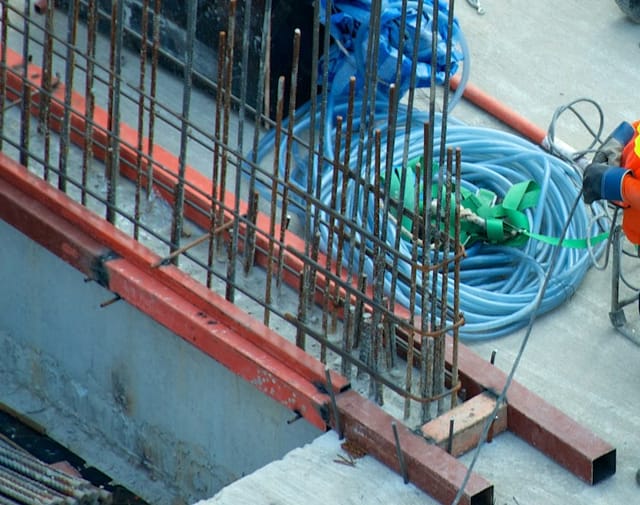
Crack in foundation wall
Zone A-3 · 24 June · Photo attached
Site supervisor
Found this on the north wall. Needs a look before we close it up.
Engineer
Seen. That is within tolerance. Log it and carry on.
Messages that stay attached to the work
When communication runs through phone calls, texts, email and word of mouth, it is hard to document what was agreed and who was meant to act. In Assurement, a message can be tied to the specific project, report or individual registration, so it sits in the context it belongs to.
- The person responsible sees the exact observation
- Photos and descriptions travel with the message
- Questions get asked on an informed basis
- It is clear who follows up
- No more long email threads
- Communication and documentation stay together
A report is part of what you deliver
Mismatched Word documents, photos without explanation and manually assembled layouts can make good work look less professional. Lite Report compiles the documentation into one consistent report, with your logo, clear headings, structured observations, and photos placed alongside the descriptions they belong to.
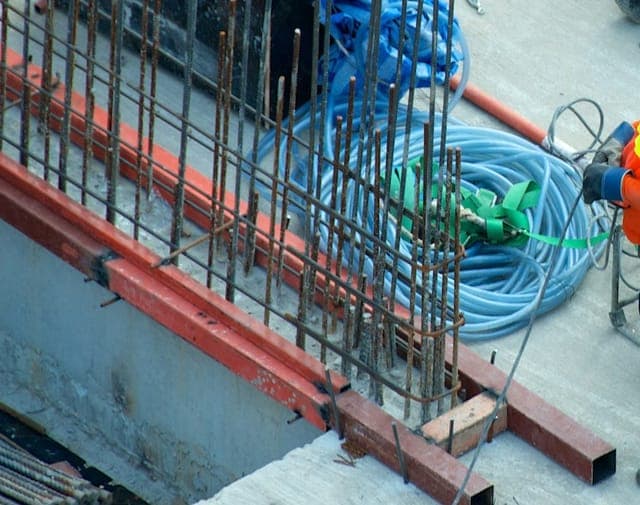
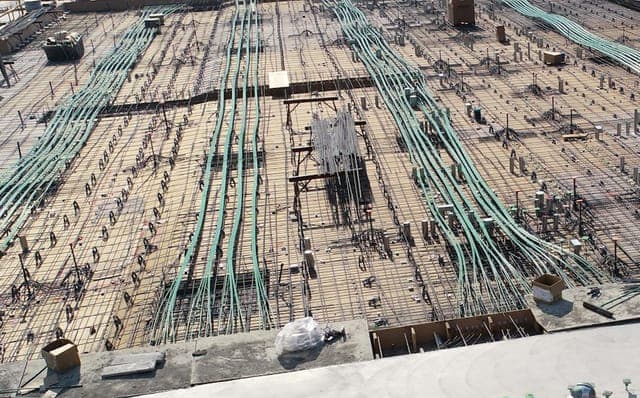
- Your own company logo
- A recognisable, professional layout
- Photos placed with their descriptions
- Dates and project information
- A clear breakdown of the contents
Every report becomes both a documentation tool and a presentation of your company's work.
Six steps, most of them on site
Photo documentation that holds up
Photos are taken with the in-app camera, not uploaded from the phone's gallery. That is deliberate: every photo is stamped with the date, time, GPS latitude and longitude and the place name, so there is no doubt about when and where it was taken.
Photos can be marked up to point out exactly what matters, and PDF drawings in the shared project storage can be marked up too. Every action is recorded in the activity log with a timestamp.
Control plans and control points for your trade
When you set up a report, you choose a profession. That loads the control plans and control points for the trade, which you can edit and adapt to the job. You can also add your own company control points and custom control points.
Each control point becomes a task assigned to a person on site, who documents it from the phone. When the tasks are done, the registrations make up the report. There is no copying photos into a Word document afterwards.
When a task slips: time deviations
A time deviation is about the schedule. Someone on site can raise one when a task slips (because of the weather, for example), set a new completion date for the same task and carry on. If a task's milestone passes without the task being done, the system raises the time deviation automatically, so nothing slips unnoticed.
Each deviation has a status: Open, Under review, Accepted, Rejected or Closed. That way you can follow it until it is closed.
Site deviations are marked directly on the drawing with photo evidence, and everyone on the document is notified. They come with the DS1140 module and the quality assurance module, both in development.
Lite Report and DS 1140
A finished Lite Report can serve as photo documentation in a DS 1140 case, for example to support the B3 control report. It does not replace the project's control plan or the formal DS 1140 documentation and approval. If you want that prepared or checked by an expert, our sister company KS Danmark does exactly that work. Our own DS 1140 module is in development.
Frequently asked questions
Does Lite Report work without an internet connection?
Not yet. Today the app needs a connection to register tasks and upload photos. Offline mode is on our roadmap.
What does a report cost?
149 DKK per report excl. 25% VAT (186.25 DKK incl. VAT). Setting up projects and documenting on site are free, and there is no extra charge for users or photos. See pricing.
Can the structural engineer or the client follow the documentation?
Yes. External parties such as subcontractors, engineers and clients can be invited to a project with Read, Communicate or Register permissions, so a structural engineer can, for example, be given read access to follow the documentation.
Can several people work on the same report?
Yes. There is no limit on users per project. Each person carries out the tasks assigned to them, and the registrations come together in the same report.
What happens to my reports afterwards?
They stay accessible in the web app. There is no delete function for reports, so documentation cannot be lost to an accidental tap, and once a report is paid for you can download your own copy.
Is Lite Report the only module available?
Yes. Lite Report is available today. The DS 1140 and Quality Assurance modules are in development.
Start documenting in minutes
No setup required. Create your free account and generate your first Lite Report today.